What Determines Display Film Printing Quality?
In digital printing, the printer, inks and substrate together shape the final image. Even with the same printer, identical artwork files and similar output settings, changing to a different Display Film can alter the graphic’s colour, fine details and surface finish. The printer deposits ink in the designated positions, while the material surface controls how ink spreads, sets and forms the image once it lands. For professional display media, the surface coating is more than a simple extra layer. It must match the chosen printing technology, striking a careful balance between ink receptivity, image sharpness, drying performance and adhesion. The base substrate structure, surface treatment and coating formulation of different films further impact final print results.
When sourcing materials, should you only review sample images provided by suppliers, or pay close attention to the printer, ink type and output conditions used to create those samples? If the supplier’s test environment differs from your own production setup, impressive sample results do not guarantee identical performance in mass production. To evaluate Display Film print quality, you need to look beyond whether it can produce sharp images. You should also check which print systems it supports, what print parameters it requires, and whether it delivers consistent output under real production conditions.
Surface Coating, Ink Compatibility and Drying
The surface coating of Display Film directly governs how ink behaves on the material. Mismatch between the film and ink system can cause uneven ink spreading, patchy colour, insufficient curing or poor adhesion. Some of these defects appear immediately after printing, while others emerge later during rewinding, cutting or shipping. For instance, a graphic that looks good straight after printing may suffer from surface sticking, indentations and other processing problems if it is rewound before adequate drying or curing. To assess whether a Display Film fits your production line, you need to consider both material properties and your actual printing workflow.
Different print technologies impose distinct requirements on the substrate surface. Eco-solvent, Solvent, UV and Latex inks use different mechanisms for imaging, drying and curing. A product labelled “Printable Display Film” cannot be assumed compatible with all printers. For NAISI Display Film products, customers are advised to confirm the print compatibility of the specific grade first, then arrange sample testing using your own equipment. During testing, check not only colour and detail reproduction, but also post-print surface condition, drying/curing performance, and smoothness in subsequent cutting and rewinding operations.
Color Reproduction, Opacity and Image Clarity
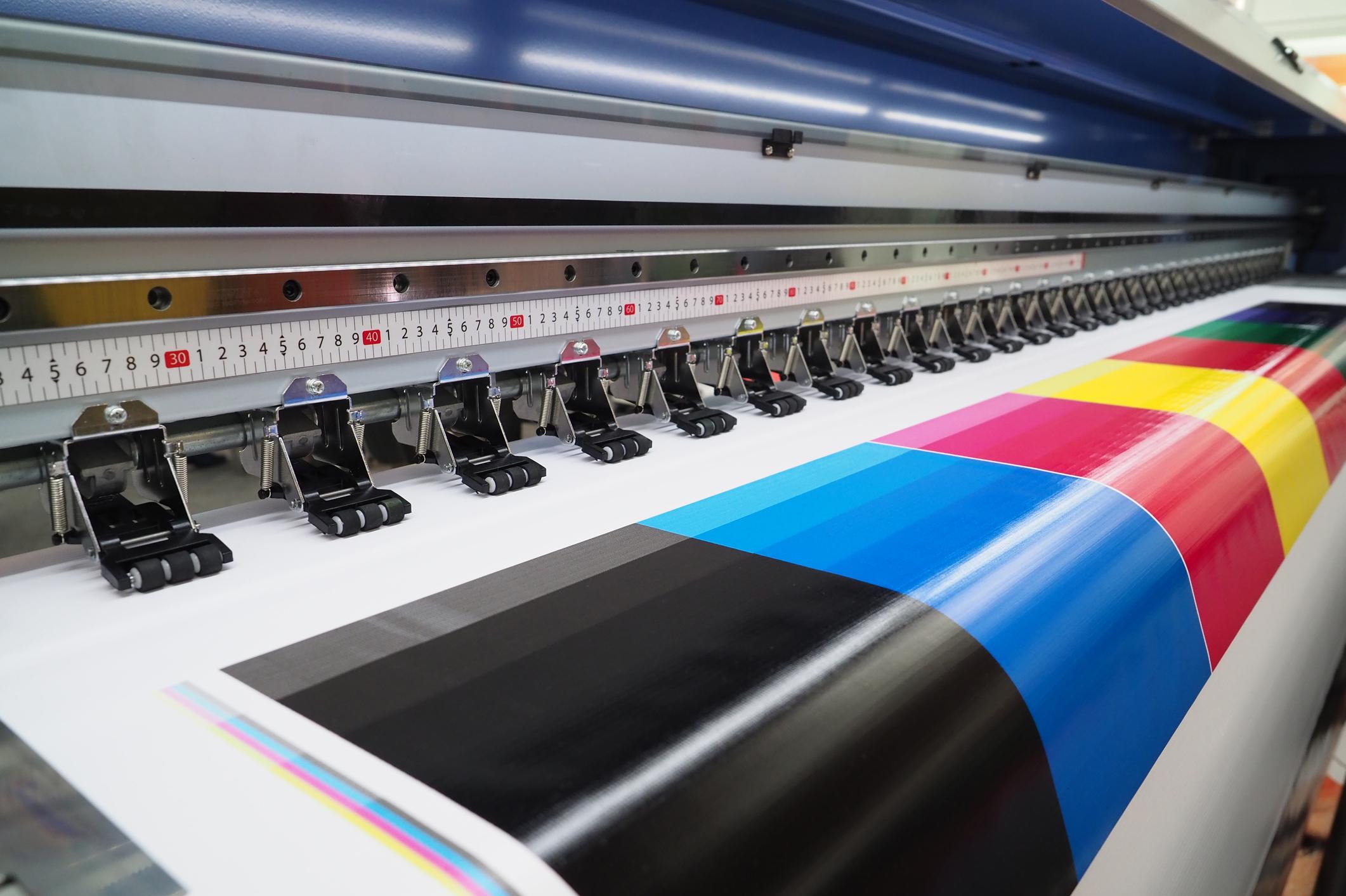
Retail promotional posters typically demand bold colours, sharp product photos and easy-to-read pricing information. High-end brand displays, by contrast, often prioritise smooth gradients, accurate colour transitions and premium image texture for close-up viewing. These outcomes depend on surface uniformity of the material, coating-ink compatibility and output settings of the printer. Even high-resolution artwork files can produce poor final graphics if the substrate cannot reliably render fine details.
Besides image sharpness, opacity is another frequently overlooked performance metric for Display Film selection. Especially for display stands, backdrop panels and applications where rear structures need to be concealed, insufficient opacity allows stand outlines, backlighting or other background elements to show through and compromise the integrity of the front graphic. For such projects, buyers should verify that the material’s backing construction meets opacity requirements, rather than judging performance solely by film thickness.
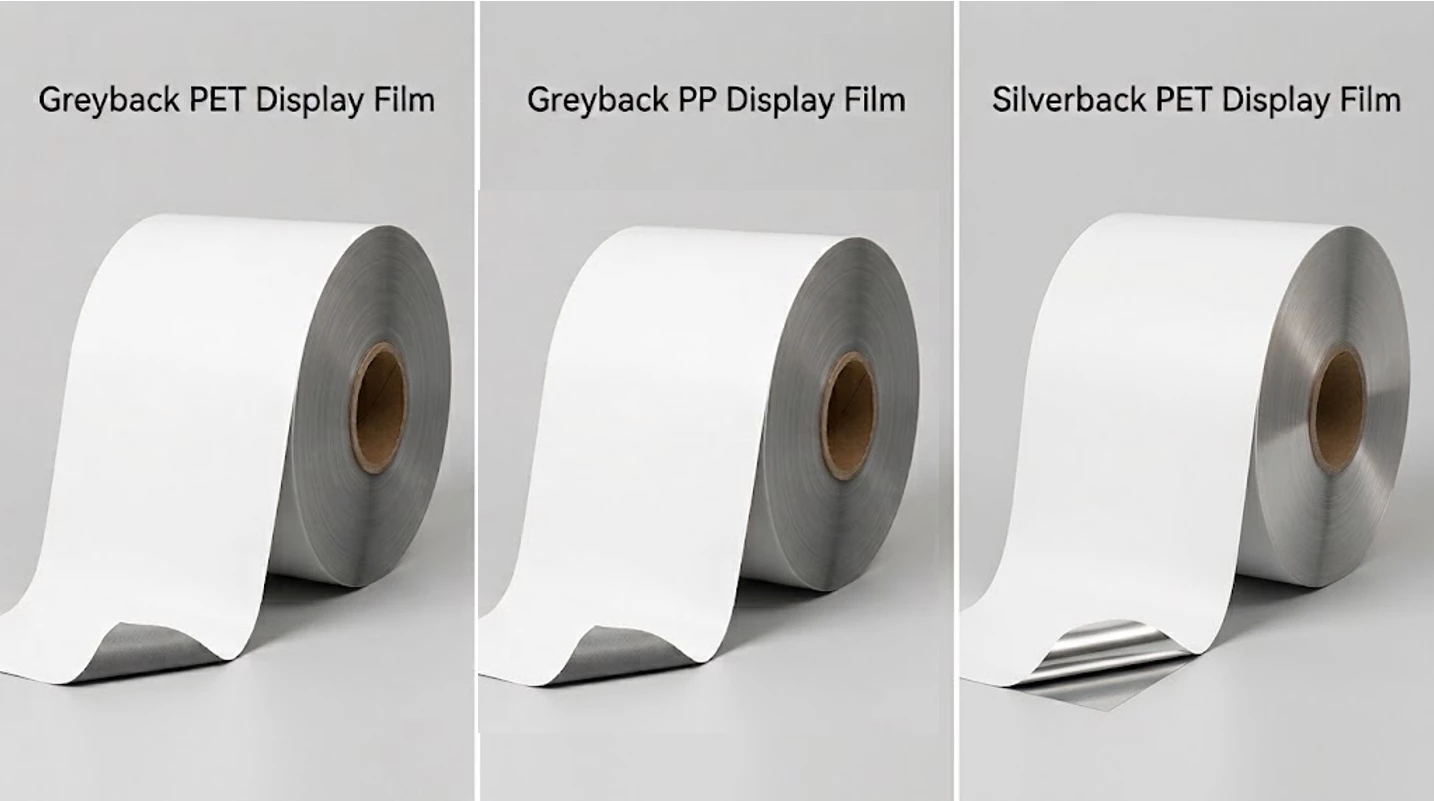
NAISI’s Display Film portfolio includes materials with various backing constructions such as Greyback PET, Greyback PP and Silverback PET. These products are not simple interchangeable alternatives. When selecting, refer to the construction and technical datasheets of individual grades to confirm print performance, backing characteristics and suitable applications. Particularly for projects with strict opacity requirements, test materials against real backgrounds instead of treating all Greyback or Silverback products as fully opaque Blockout Film.
How Do Material Properties Affect Display Film Performance?
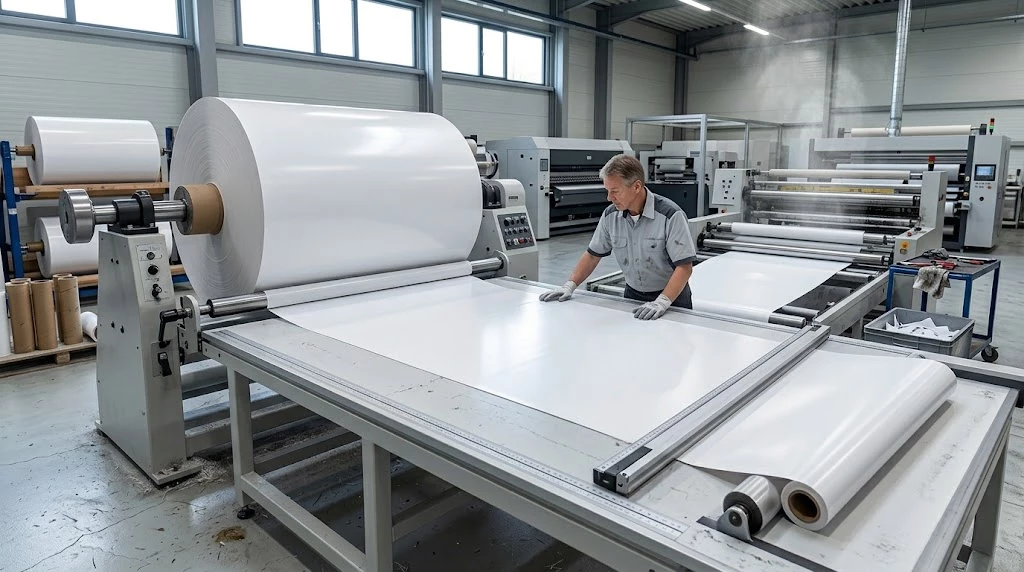
A Display Film’s performance does not end the moment printing finishes. After exiting the printer, the material goes through rewinding, cutting, packaging, transport and final installation. A film capable of printing beautiful graphics can still drive up production costs if it cannot remain stable through these stages. For large-format advertising displays, thickness, stiffness, flatness and dimensional stability are key considerations. These properties determine how easily the material feeds through equipment, whether it stays in good shape after cutting, and how clean the finished display looks once installed.
Base substrates have different physical characteristics. PET, PP and other materials cannot be judged purely by visual appearance, and no single substrate type works better than all others for every display project. Buyers need to check whether the material construction matches the specific display system. A film suited for one indoor display frame may not work for another requiring different stiffness, fastening methods or processing workflows. That is why professional Display Film selection requires assessment of both print performance and mechanical properties. Print performance determines if the graphic meets visual expectations; mechanical properties determine if production runs smoothly and the graphic maintains its condition throughout display.
Thickness, Stiffness and Dimensional Stability
Thickness is one of the most commonly requested specifications when purchasing Display Film, yet it cannot represent the full mechanical behaviour of a material on its own. Two films with identical nominal thickness may differ greatly in stiffness and handling feel if they use different substrates, structures or manufacturing processes.
Assuming “thicker” automatically means “stiffer” or “more dimensionally stable” is not a reliable engineering judgement. Stiffness affects handling during feeding, cutting and installation. For displays that need a flat finish, appropriate stiffness helps the material fit the display structure. However, overly rigid film may not suit applications requiring bending or rolling. Dimensional stability is equally important. Advertising graphics are usually cut and installed to precise dimensions. Noticeable dimensional changes caused by printing, processing or environmental shifts can disrupt the fit between the graphic and display structure. This risk needs to be addressed in advance for projects with fine borders, tiled graphics or precise mounting positions.
NAISI Display Film products feature a range of substrates and backing constructions. When selecting a specific grade, buyers should review thickness, material construction, roll specifications and intended application together instead of basing decisions on one parameter alone. For projects with strict flatness or dimensional tolerance requirements, full-size print and processing tests are recommended. This approach reveals material compatibility with your existing production and installation workflow far better than comparing datasheet parameters only.
Curling, Handling and Installation Requirements
Some Display Film prints perfectly, yet develops edge lift, local curling or poor flatness after rewinding, transport or cutting. These symptoms do not always indicate defective material. The inherent curl of the original roll, storage conditions, print settings, processing methods and mounting structures all influence final results. For example, rolls stored tightly for long periods may need conditioning time after unrolling before they are ready for processing. If production involves temperature variation or other special processing conditions, material performance must be validated by testing.
For graphics that are cut then mounted, buyers should evaluate not only printability, but also edge condition after cutting, ease of handling and ability to stay flat during installation. In real production, preventing such issues relies on a combination of proper material selection and operational procedures. Before full production, store and process rolls following the supplier’s recommendations, and run small-batch tests under your actual print environment. For oversized projects or applications with demanding installation standards, verify the fit between film and display structures ahead of time.
If curling or flatness problems occur, provide your supplier with details including printer model, processing conditions, material batch and photos of the defect. This information helps identify whether the issue stems from the material, production workflow or installation conditions, and makes technical communication far more efficient than simply stating “the material is not flat”.
How to Choose Display Film for Different Display Applications
Once you understand print quality and material performance, the real selection work begins. Buyers need to translate these technical requirements into product choices, rather than searching for a single material that excels across all metrics. For example, short-term retail promotions and long-term brand displays follow different selection logic. The former typically balances mass production efficiency, graphic quality and material cost. The latter prioritises image texture, display flatness and consistent visual performance over the whole service life.
Display structures also shape material choice. Films for different display stands, backdrops and indoor advertising systems may require different stiffness, backing constructions and processing methods. Even though they are all used for advertising graphics, they do not necessarily use the same Display Film. NAISI’s portfolio includes Greyback PET, Greyback PP, Silverback PET and other options to cover diverse project needs. The final grade selection should be based on actual product specifications, printing equipment and application requirements. Before requesting quotes from suppliers, clarify key project details: printing method, display environment, expected service life, graphic size, mounting structure, and any special opacity or surface requirements.
Display Film for Retail, Promotional and Indoor Graphics
Retail advertising may seem like straightforward indoor signage, yet material requirements vary widely across brands and use cases. A supermarket, for instance, may need to print and replace large volumes of promotional graphics within a tight timeline. For such projects, the material must render clear product information while matching existing production hardware and display setups to avoid delivery delays caused by printing or post-processing issues.
For brand stores, product launches and exhibitions, visual quality takes higher priority. Viewers may examine graphics up close, so colour reproduction, fine details, surface finish and overall flatness all matter greatly. The display structure itself cannot be overlooked. If the graphic is mounted in a framed support system, focus on backing construction and opacity. If the film will be rolled, shipped and unrolled on-site, stiffness, curl behaviour and processing ease become important considerations.
NAISI’s Display Film range offers multiple substrates and backing types for selection according to project needs. Always refer to technical datasheets to confirm true suitability instead of judging performance solely by labels such as Greyback, Silverback, or substrate names PET and PP. For indoor graphic projects, start by answering three questions: At what distance will viewers see the graphic? What structure will the material be mounted on? How long will the advertisement stay on display? With these details confirmed, comparing print performance and material construction will lead to better decisions than choosing purely by price or thickness.
What to Check Before Selecting or Ordering Display Film
For professional commercial printers, sourcing Display Film is more than sending a quote request and waiting for price lists. If print equipment, ink type and end use are not confirmed upfront, products matching the ordered name may still prove incompatible during production. Before placing bulk orders, confirm at least the following information:
- Printing equipment and ink type: Provide printer model and specify whether you use Eco-solvent, Solvent, UV, Latex or other ink systems. Final compatibility is subject to product technical specifications and practical test results.
- Material construction and technical specifications: Define required substrate type, thickness, surface features and backing structure. State special opacity or dimensional stability requirements if applicable.
- Roll dimensions: Confirm roll width, roll length and core specifications to avoid mismatches with your equipment or processing workflow after delivery.
- End application: Specify whether the graphics are for retail promotion, brand display, exhibition signage or other systems, together with expected service life and mounting method.
- Sample testing: For first-time use of a material, run full print, cutting and installation tests before mass production. Focus on image effect, surface condition, flatness and processing performance.
As a manufacturer of print media, NAISI supplies a wide range of Display Film and aims to help customers find products matching their production conditions. If you are sourcing materials for a new advertising display project, share your printer model, ink type, target application and required roll specifications with NAISI. Our team can help screen suitable grades and arrange sample testing. A good Display Film should not only look impressive on a datasheet. It must stand up to the printer, survive processing, and deliver reliable results at the final display site.